
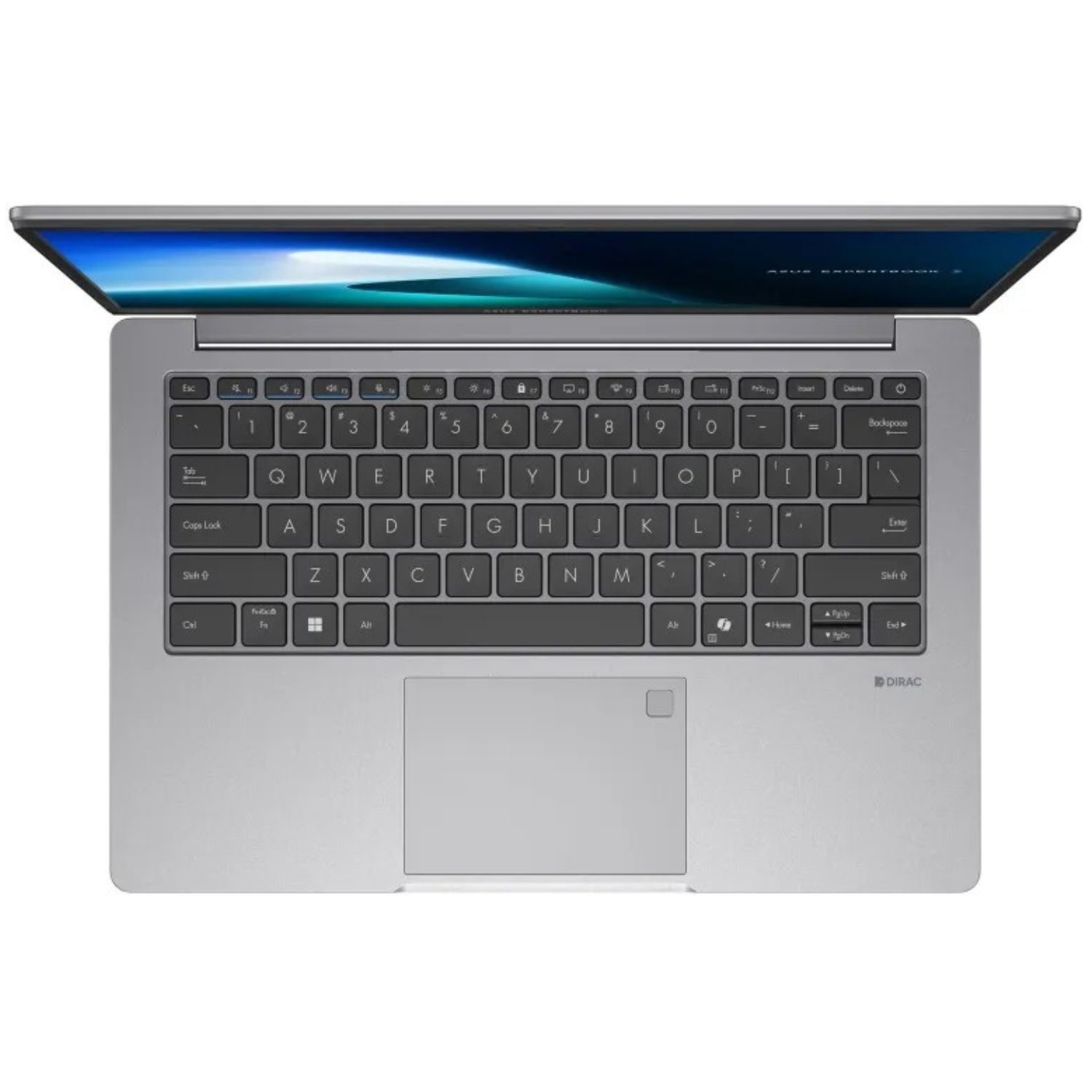
ASUS Notebook PCs: A Guide to Choosing the Right Laptop
ASUS notebook PCs are available in a wide range of sizes and configurations, from lightweight laptops for everyday tasks to powerful models designed for gaming and demanding creative work. Choosing the right one depends on how you plan to use it, how much you want to spend and which features matter most to you.
What is an ASUS notebook PC?
A notebook PC is a portable computer designed for tasks such as browsing the web, writing documents, video calls, studying and entertainment. ASUS makes notebooks for different users, including students, home users, professionals and gamers. Specifications vary between models, so it is worth checking the details of each laptop rather than relying on the brand name alone.
Different types of ASUS notebooks
Everyday laptops
For browsing, email, streaming and office work, an everyday ASUS notebook can offer a practical balance of price and performance. Look for a comfortable keyboard, a clear display and enough memory and storage for your usual apps and files.
Lightweight laptops
If you regularly carry your computer between home, work or university, consider a lighter model with a compact design and good battery life. Check the laptop’s weight and dimensions, as well as the number and type of ports, to make sure it suits your routine.
Gaming notebooks
Gaming laptops are built to handle graphics-intensive games and other demanding applications. Important features may include a dedicated graphics processor, a fast display and an effective cooling system. These models can be heavier and may need to be plugged in for the best performance, so consider portability as well as power.
Creative and professional laptops
People working with photography, video, design or large spreadsheets may benefit from a faster processor, more memory and a high-quality display. Check that the screen’s resolution and colour performance suit your work, and confirm that the software you use is compatible with the laptop’s operating system.
Key features to compare
- Processor: Affects how quickly the laptop handles tasks. Everyday use usually requires less processing power than gaming or video editing.
- Memory (RAM): More memory can help when running several applications at once. Consider your current needs and how long you expect to keep the laptop.
- Storage: Solid-state drives (SSDs) are common in modern notebooks and can make a computer feel more responsive. Choose enough capacity for your applications and files, or plan to use external or cloud storage.
- Display: Think about screen size, resolution, brightness and whether a glossy or matte finish is preferable for your environment.
- Battery life: Battery performance depends on the model and how it is used. Look for independent reviews and remember that demanding tasks can reduce battery life.
- Connectivity: Check for the ports you need, such as USB, HDMI or an audio connection. Some slim laptops have fewer built-in ports and may require an adapter.
- Keyboard and touchpad: If you type frequently, a comfortable keyboard is especially important. Where possible, try the laptop in person before buying.
How to choose the right model
Start by listing the tasks you need the notebook to handle. A laptop for web browsing and documents does not necessarily need the same specifications as one for gaming or creative software. Set a budget, then compare models within it, paying attention to the exact processor, memory, storage and display included.
It is also useful to check the upgrade options, warranty terms and return policy. Specifications can differ between versions with similar product names, so read the full listing carefully before placing an order. Reviews can provide insight into build quality, fan noise and real-world battery performance.
Looking after your ASUS notebook
Keep the laptop’s vents clear and use it on a firm surface to help air circulate. Install operating system and security updates, back up important files regularly and avoid exposing the computer to liquids, excessive heat or knocks. A suitable case can help protect it when travelling.
Finding an ASUS notebook PC
Whether you need a dependable computer for everyday use or a higher-performance machine for specialised tasks, ASUS offers notebooks across a broad range of categories. Compare the specifications and practical features of individual models to find one that fits your needs, working habits and budget.
ASUS Notebook PCs: Frequently Asked Questions
- What are the common problems with ASUS notebooks?
- Is ASUS laptop a good computer?
- Is ASUS a laptop or notebook?
- Does ASUS notebook have Windows 10?
- Which is better Acer or ASUS?
- What model is my ASUS notebook?
- Which is best ASUS or HP?
- Is the ASUS notebook PC good?
What are the common problems with ASUS notebooks?
Common problems reported with some ASUS notebooks include battery life declining over time, overheating or noisy fans, Wi-Fi and driver issues, and occasional problems with keyboards, screens or charging ports. The likelihood and cause can vary between models, and many issues may be resolved by updating drivers or the BIOS, checking power and ventilation settings, or contacting ASUS Support. For persistent faults, check the warranty before arranging a repair.
Is ASUS laptop a good computer?
Yes, an ASUS laptop can be a good computer, but the best choice depends on the model and what you need it for. ASUS offers laptops for everyday browsing and office work, as well as gaming and creative tasks, so compare the processor, memory, storage, display, battery life and price before buying. Checking recent reviews and the warranty details can also help you decide whether a particular model is right for you.
Is ASUS a laptop or notebook?
ASUS is a computer manufacturer, not a type of laptop. The terms “laptop” and “notebook” are generally used interchangeably for portable computers, so an ASUS notebook PC is simply an ASUS laptop. ASUS offers a range of models for different needs, from everyday browsing and study to gaming and professional work.
Does ASUS notebook have Windows 10?
Many ASUS notebooks originally came with Windows 10, but the operating system depends on the model and when it was sold. Newer models may come with Windows 11, while some are sold without Windows installed. Check the product listing or the laptop’s system information to confirm which version it has. Also note that standard support for Windows 10 ended on 14 October 2025, so consider whether the notebook can run a supported version of Windows before buying.
Which is better Acer or ASUS?
Neither Acer nor ASUS is automatically better; the right choice depends on the specific laptop and what you need it for. Both brands offer models for everyday use, work and gaming, with different prices and specifications. Compare the processor, memory, storage, screen, battery life, build quality and warranty of the models you’re considering, and check recent reviews. For an ASUS notebook PC, look closely at its features and price alongside comparable Acer laptops before deciding.
What model is my ASUS notebook?
To find your ASUS notebook’s model, check the label on the underside of the laptop or look for the model name on its original packaging or receipt. You can also find it in Windows by opening the ASUS System Information app, or by searching for “System Information” and checking the “System Model” entry. The model number may also appear in the BIOS/UEFI settings. Take care not to confuse it with the serial number, which identifies your individual device.
Which is best ASUS or HP?
There’s no single best choice between ASUS and HP, as it depends on the model and how you plan to use it. Both brands offer laptops for everyday tasks, work and gaming, with different specifications and prices. Compare the processor, memory, storage, screen, battery life, build quality and warranty of the specific models you’re considering, and check independent reviews before deciding.
Is the ASUS notebook PC good?
An ASUS notebook PC can be a good choice, but the right model depends on what you need it for and how much you want to spend. ASUS offers laptops for everyday browsing and study, as well as models for gaming and creative work, so performance, battery life, build quality and price vary. Compare the specifications and independent reviews of the specific model you’re considering, and check that it has the features you need.